How to Set Up Integration with Asana
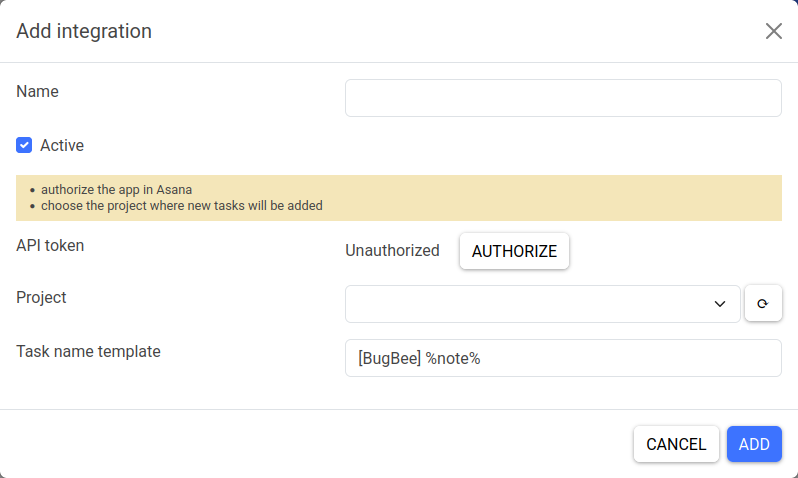
Fill in the general integration parameters:
- name (for your convenience)
- status (active/inactive)
To integrate with Asana:
1) Click the Authorize button. 2) In the window that opens, confirm the application authorization and wait for the process to complete. 3) Select a project from the list where bug reports will be sent.
Optionally, you can customize the task name template. The following placeholders are allowed:
%note%— description provided by the user when creating the bug report%url%— URL where the bug report was created%browser%— user's browser%platform%— operating system / browser platform
Due to Asana's limitations, the task name will be truncated to 50 characters.