How to Set Up Integration with Telegram
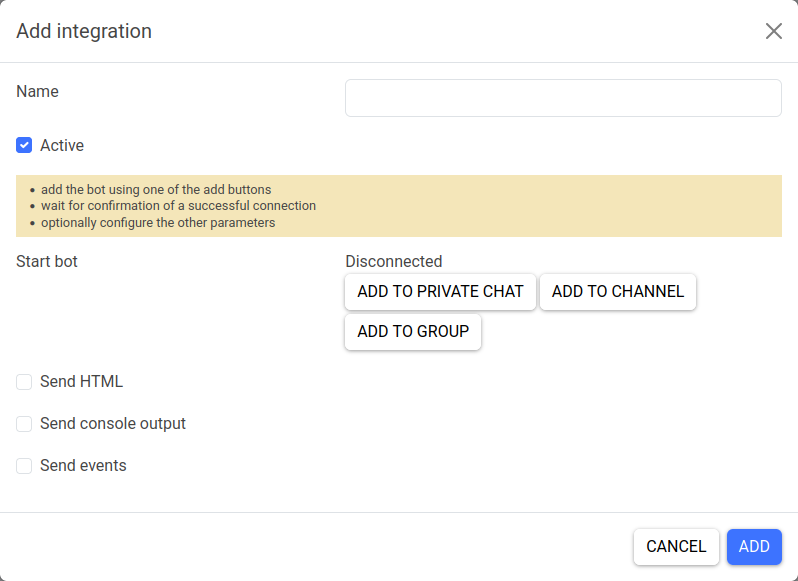
Fill in the general integration parameters:
- name (for your convenience)
- status (active/inactive)
To integrate with Telegram:
1) Depending on where you want to send bug reports, click one of the following buttons:
- Add to Private Chat
- Add to Channel
- Add to Group 2) In the window that opens, select the options and confirm adding the bot. 3) Wait for the bot to connect. 4) Optionally, enable sending the HTML page code, console output, and event log as files (they will be attached to the Telegram message).
Using Your Own Bot
You can use your own Telegram bot for integration. To do this, select the integration type Telegram (custom bot).
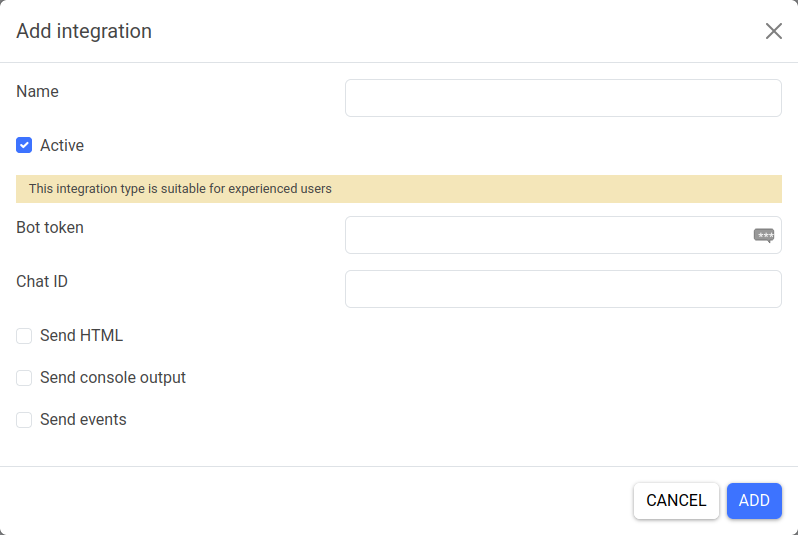
In the settings, you can specify your bot token and chat ID.